

Connections
Calendar feeds
Two ways to see trips outside the app: your own calendar feed, and a public calendar for clients or your website.
Your trips in your own calendar
- Open Settings, Calendar.
- Under Calendar feed, click Make My Address.
- Copy the address and add it to Apple, Google or Outlook calendar as a calendar you subscribe to by link (sometimes called "from URL").
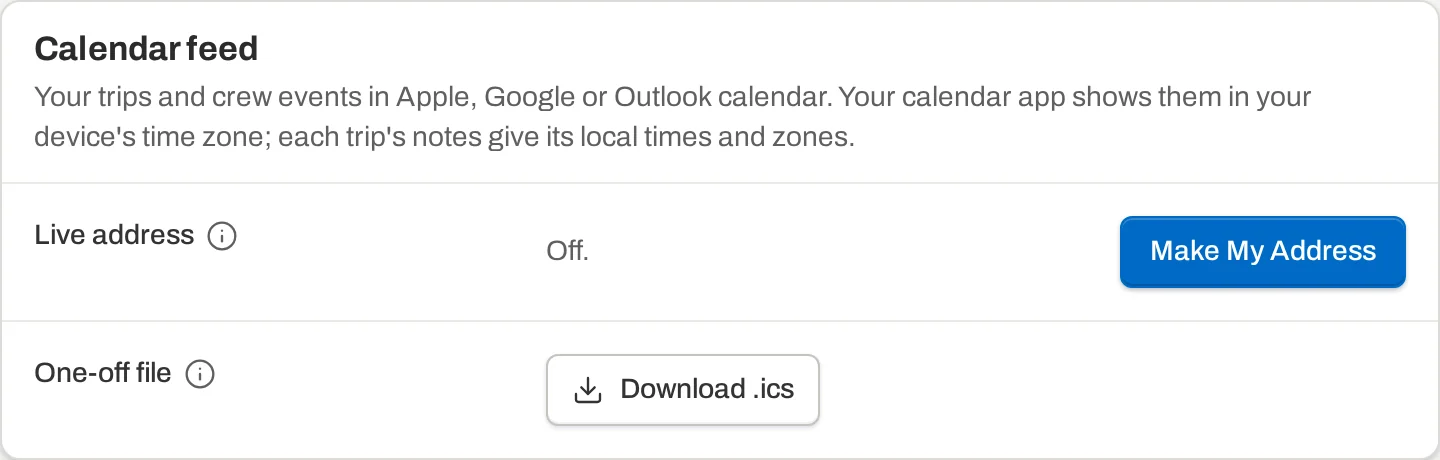
The feed holds only your own trips and crew events, from about a month back to over a year ahead. Each event is named by trip number and route and lists departure and arrival times, the aircraft, your seat and the trip's status. Options show as tentative; canceled trips are left out. It never includes clients, passengers or notes. The feed sends times in UTC, so your calendar app shows them in your device's own time zone, whatever you picked in the app. Each event's details also list the local times and zones at each airport.
Download .ics gives a one-off file: a snapshot that doesn't update.
A public calendar for clients or your website
Admins can share a read-only calendar of your flying with anyone who has the link, or put it on your website. It carries your logo.
- Open Settings, Public calendar and click Make Link.
- Under What it shows, choose Aircraft availability only or Trips with routes, whether passenger names show (hidden by default), whether trip titles show, and Your time zone or UTC.
- Copy the Link, or copy the code under On your website into your site. It sizes itself.

It never shows prices, notes, trip numbers, clients or crew. Maintenance shows without a reason, and options show as tentative. Trip titles can include client names, so leave them off if that matters. Reset Link and Turn Off stop the old link and the website calendar at once.
The hangar screen
For a TV in the hangar or office, an Admin, Scheduler or Trip builder makes a screen link under Trips, Tools, Hangar screen.
Connect Google CalendarWrite flights straight into a Google calendar, where it is turned on for your company.
Calculator, Board and hangar screens
Can’t find what you need? Email [email protected] and a person will answer.