
Client portal
Give each client a portal of their own. They see their trips and ask for new ones, and on Charter they accept your quotes by name.
On the Department and Charter plans
Give each client a portal of their own. They see their trips and ask for new ones, and on Charter they accept your quotes by name.
On the Department and Charter plans
Invite a client’s contacts by email from the client’s page. Each contact signs in with their own email address and sees only that client’s trips, quotes and invoices.
For each contact, you choose who may ask for trips and, on Charter, who sees prices and invoices.
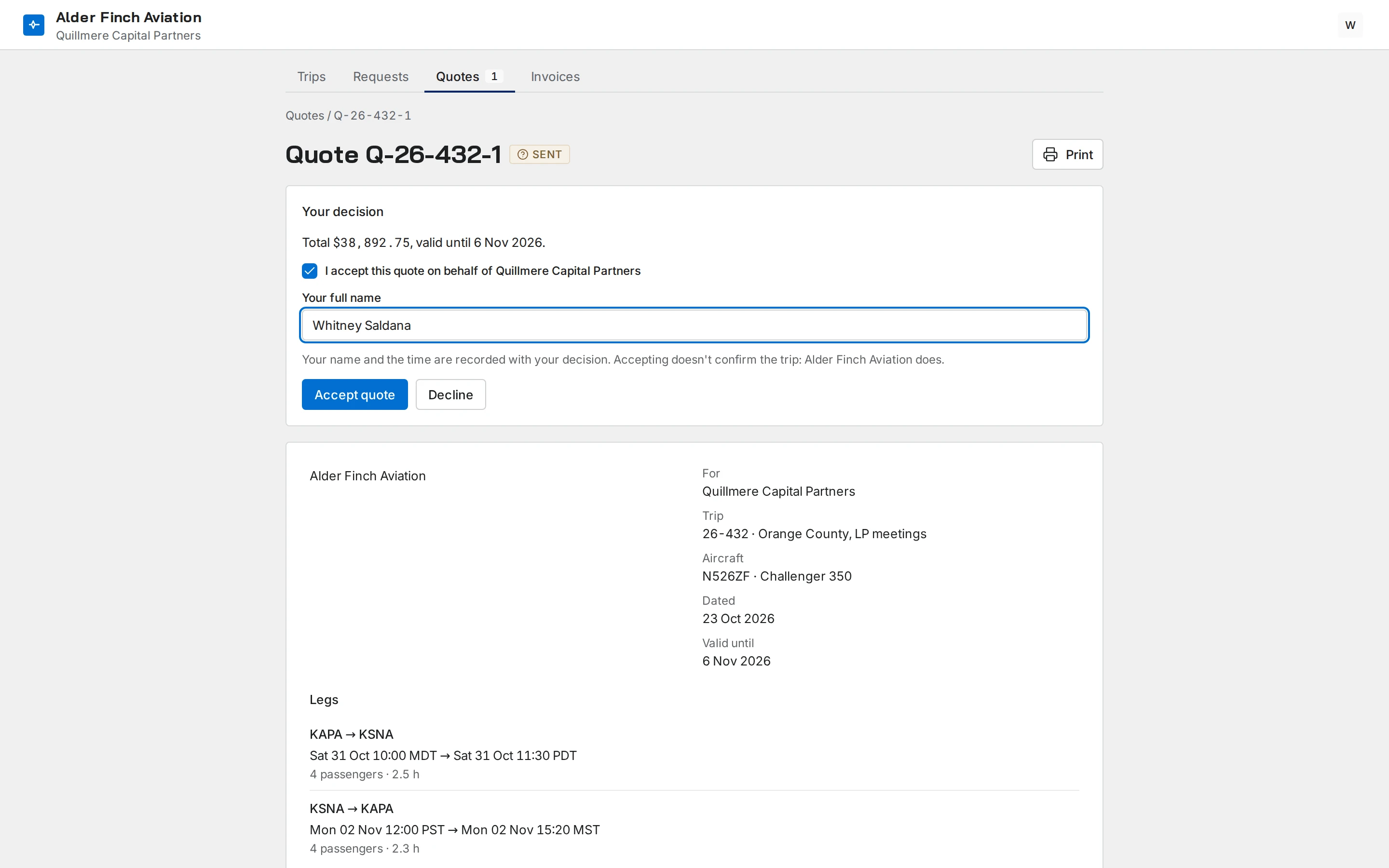
Clients see their trips: the legs in each airport’s local time, the aircraft and who’s flying.
A contact you allow to book can ask for a change or a cancellation from the trip itself.
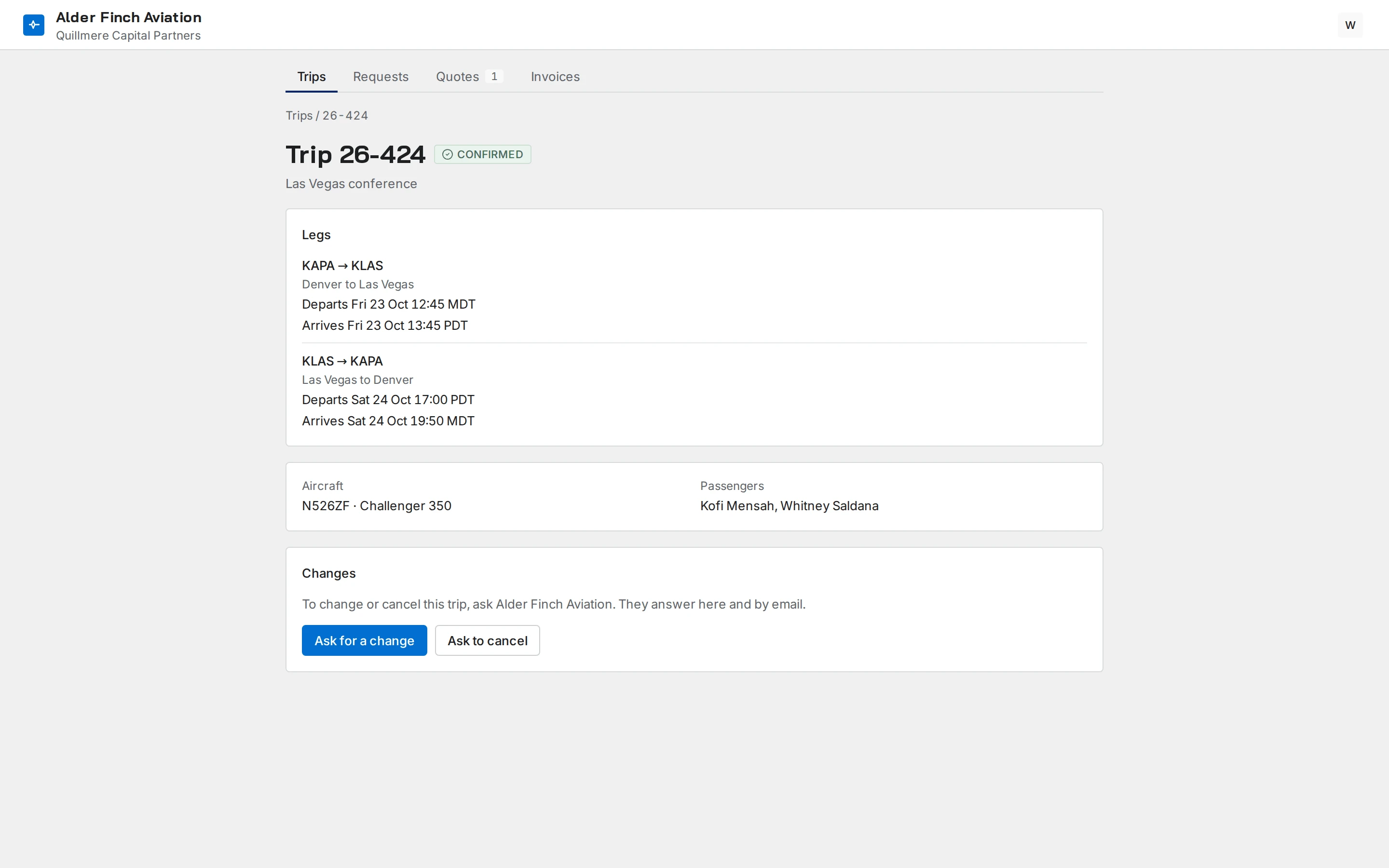
A contact you allow to book asks for a trip leg by leg, with the number of passengers and who’s flying. The request goes into your office’s list of trip requests.
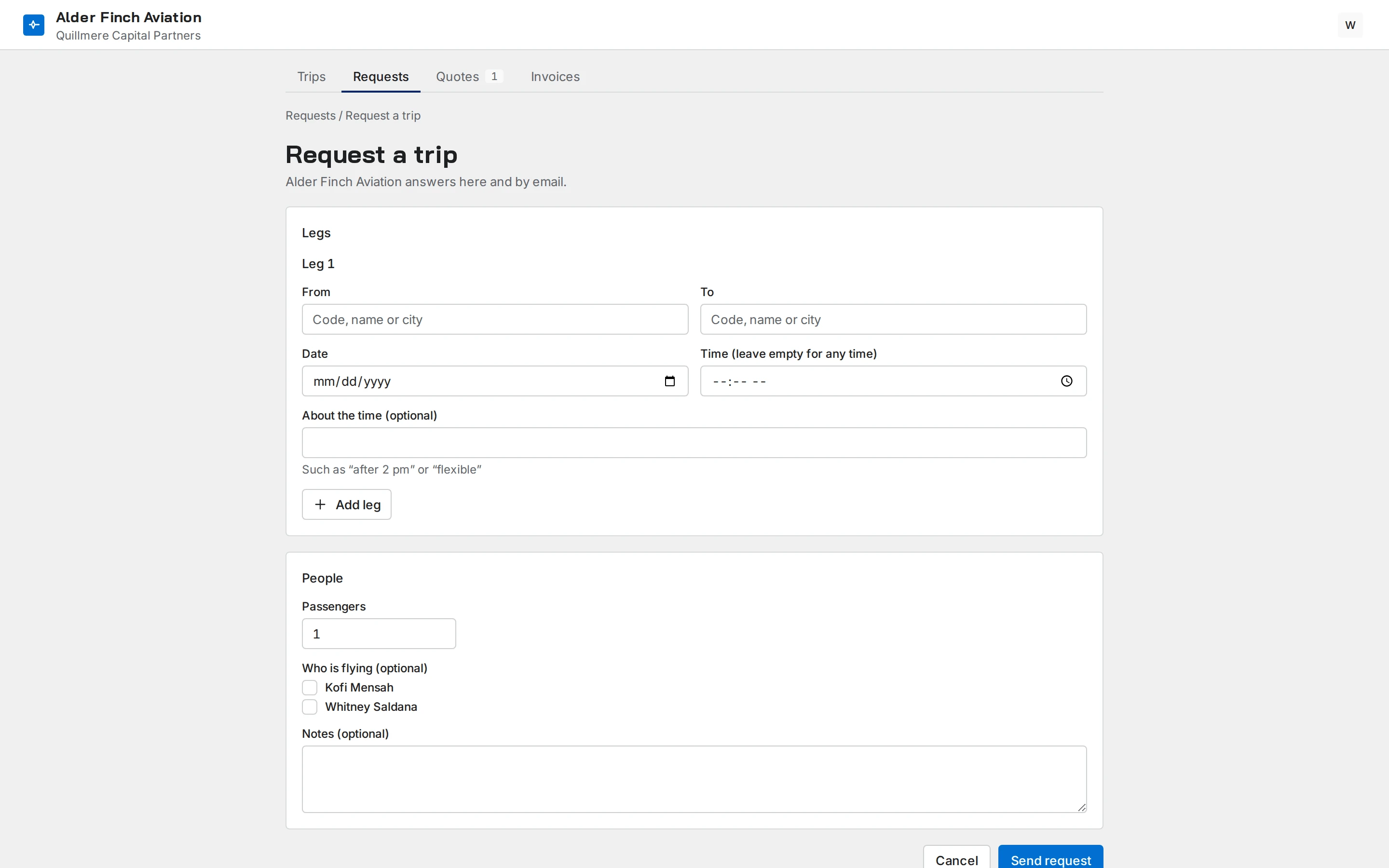
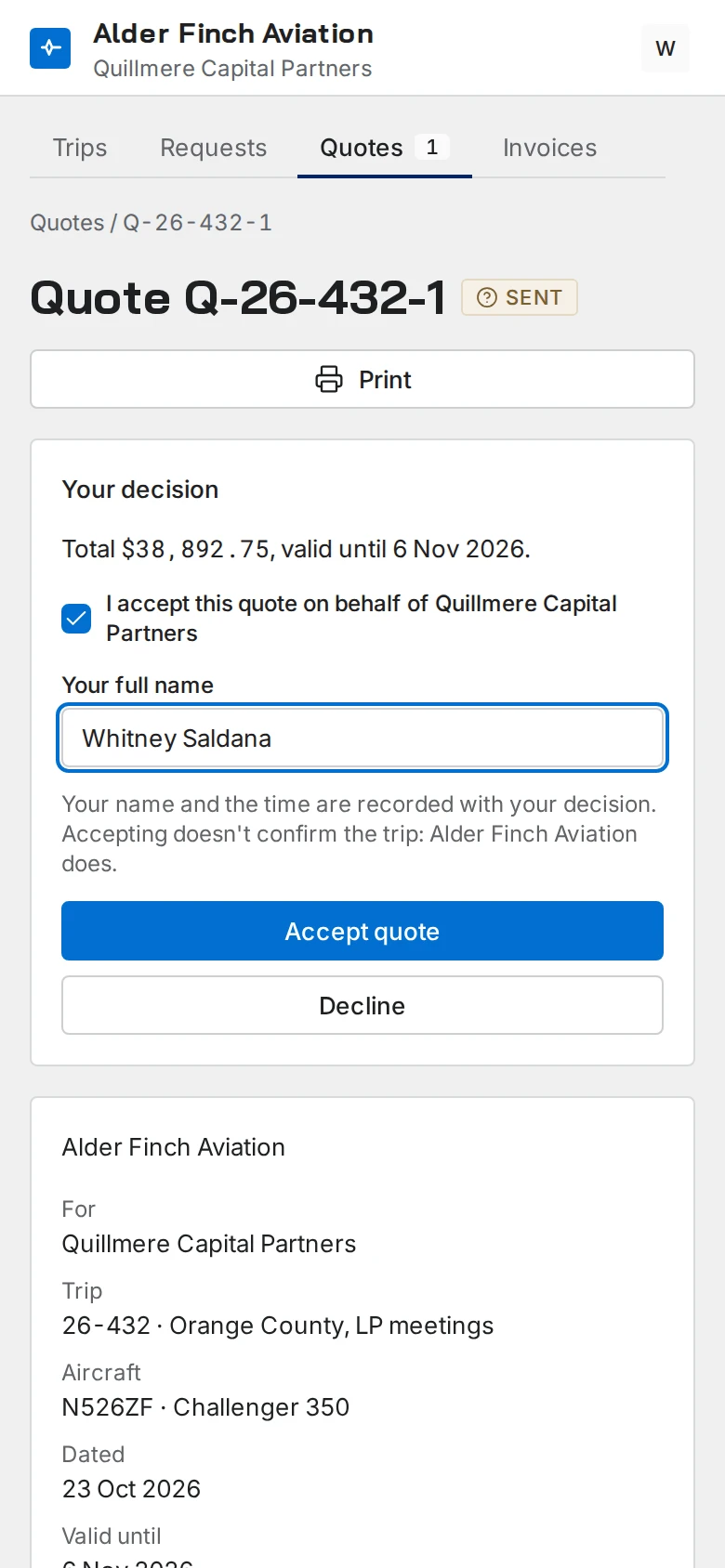
The client reads the quote and accepts it by ticking a box and typing their full name. The name and the time are recorded with the decision.
Accepting a quote doesn’t confirm the trip. You do.
Contacts you give billing access read their invoices and credit notes, with each line, the tax and the payments recorded against them.
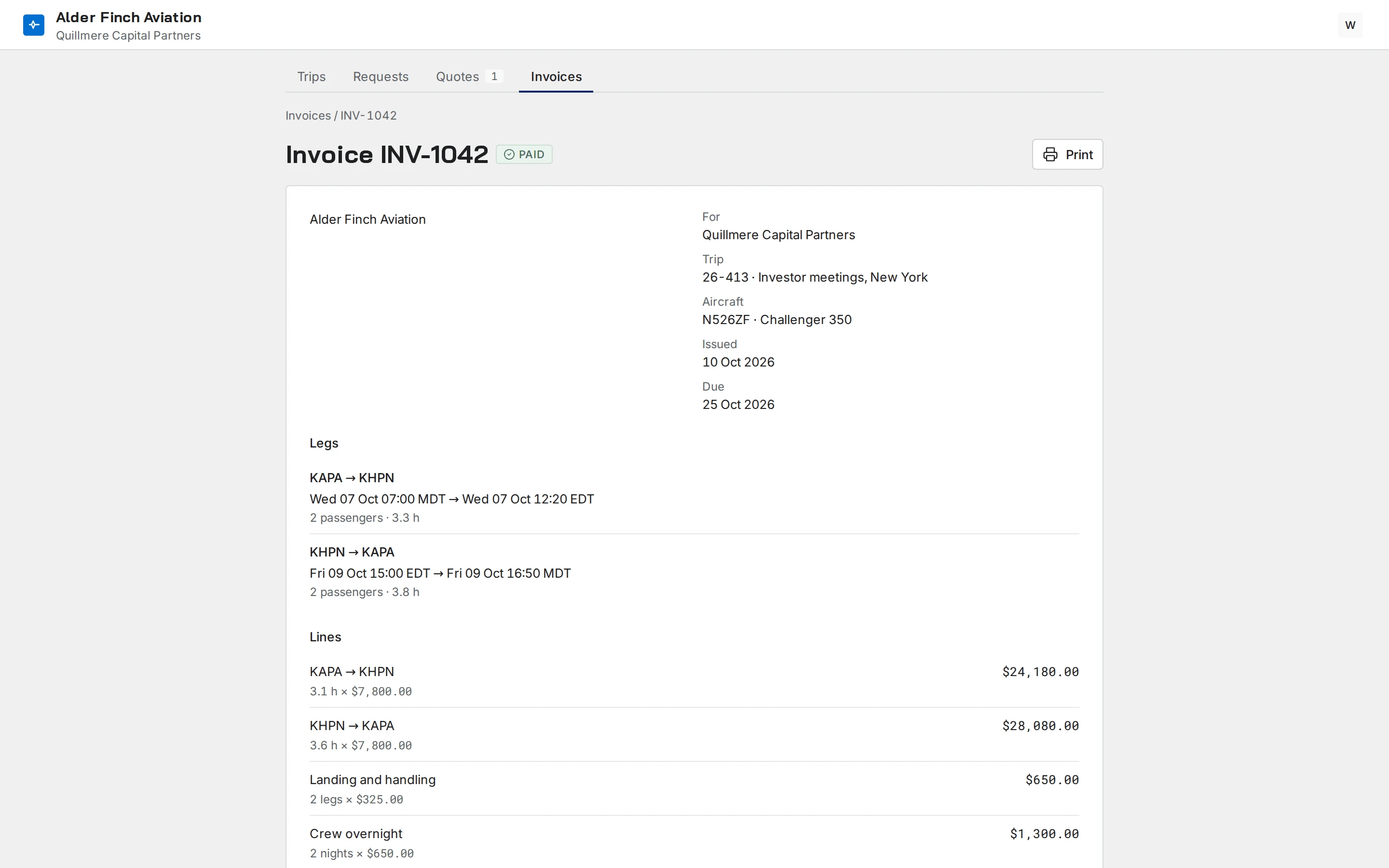
Quotes and invoices in the portal are on Charter.
Message the team in the same app you use for trips. Every trip has its own thread.
ExploreManuals, memos and forms in folders, each seen by the roles you choose. Mark one Must read and see who has read it.
ExploreInvite your team, see every change on one page and export your records whenever you want.
Explore
Try it free for 30 days on your own aircraft and crew, with nothing charged. Or we show it to you on a call, at a time you choose.